GIF
01
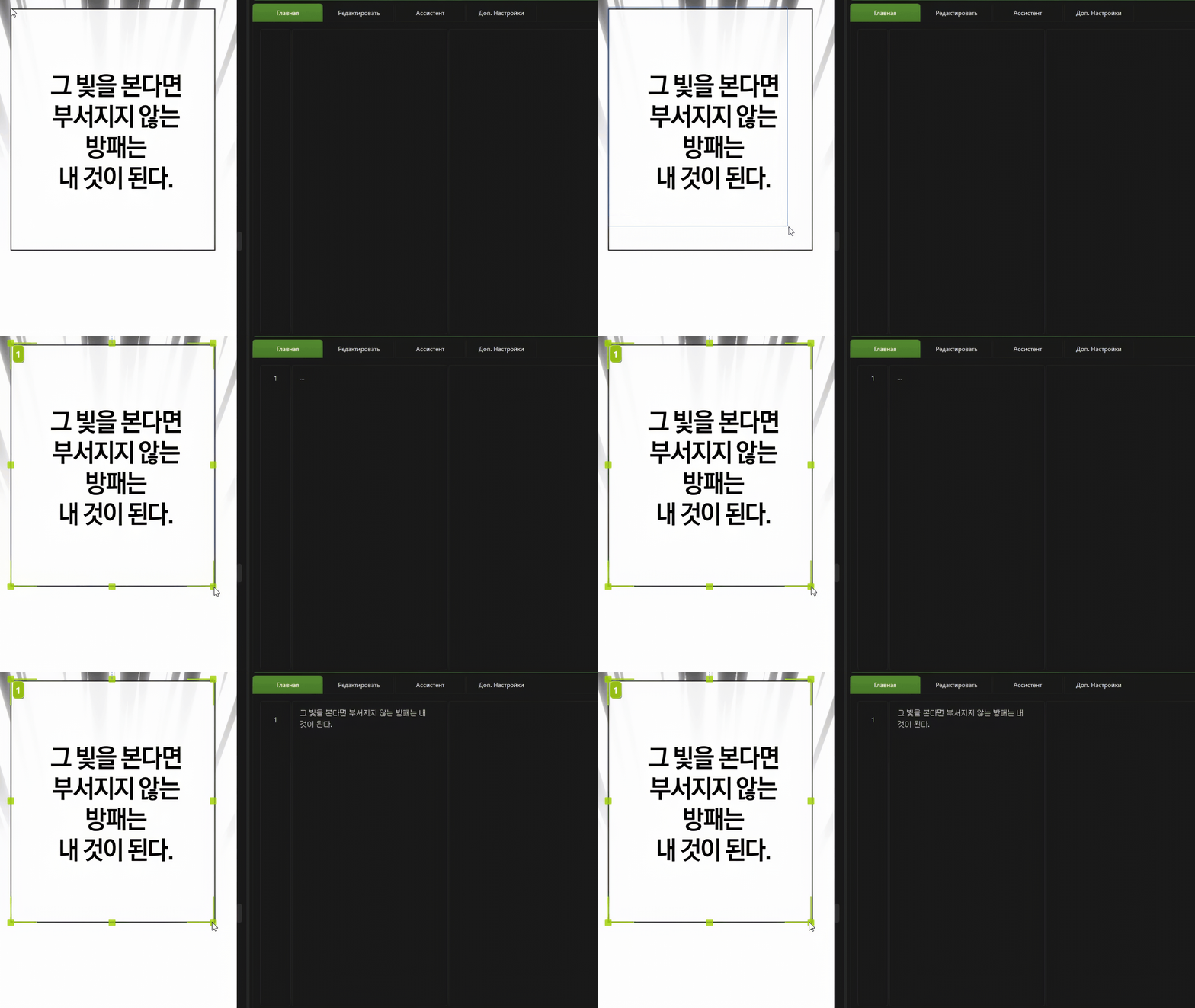
Extraction and Translation
Extract and translate from English, Korean, Japanese, Chinese, and other languages.
Extract and translate from English, Korean, Japanese, Chinese, and other languages.
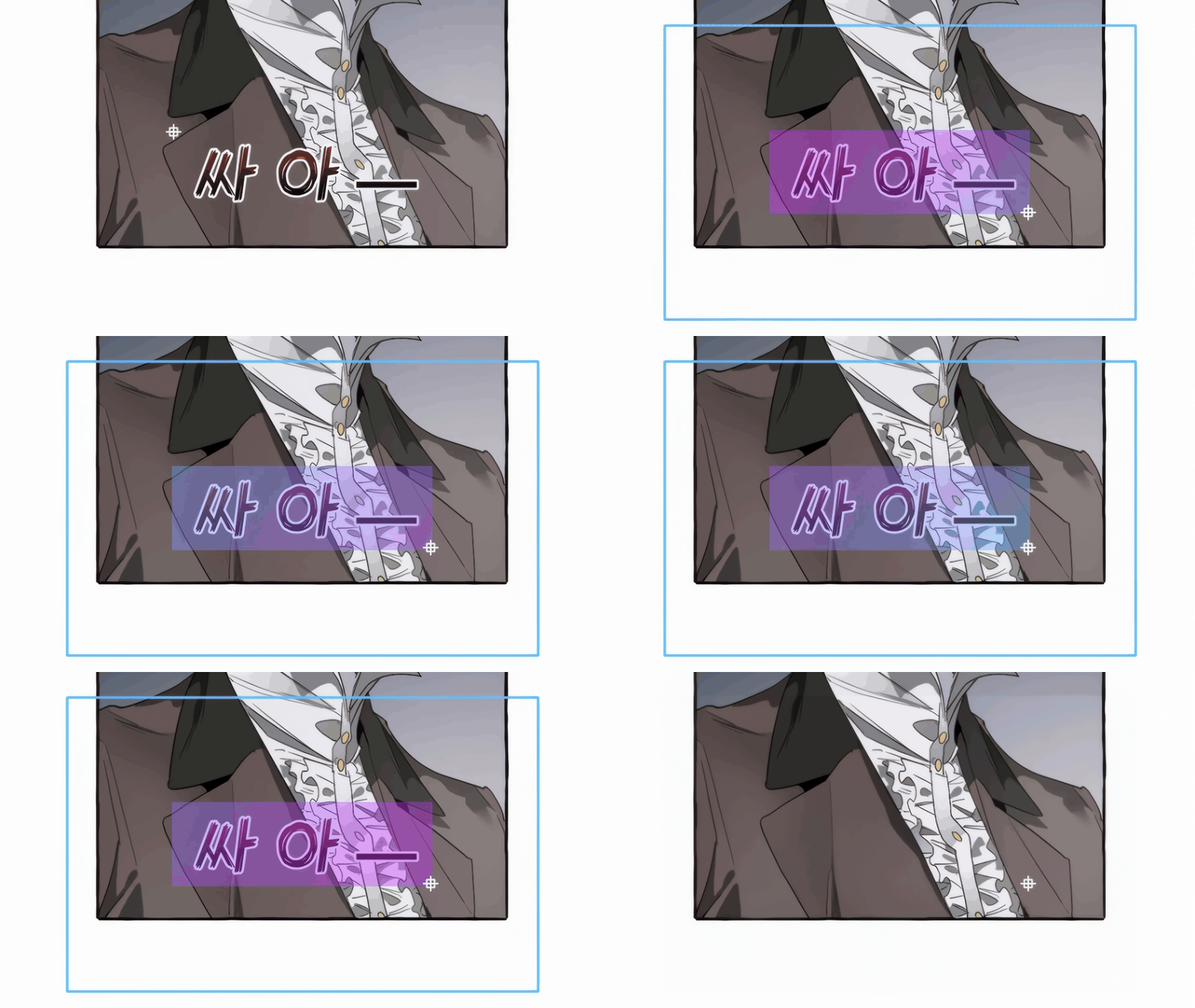
Use local and cloud models to clean scans.
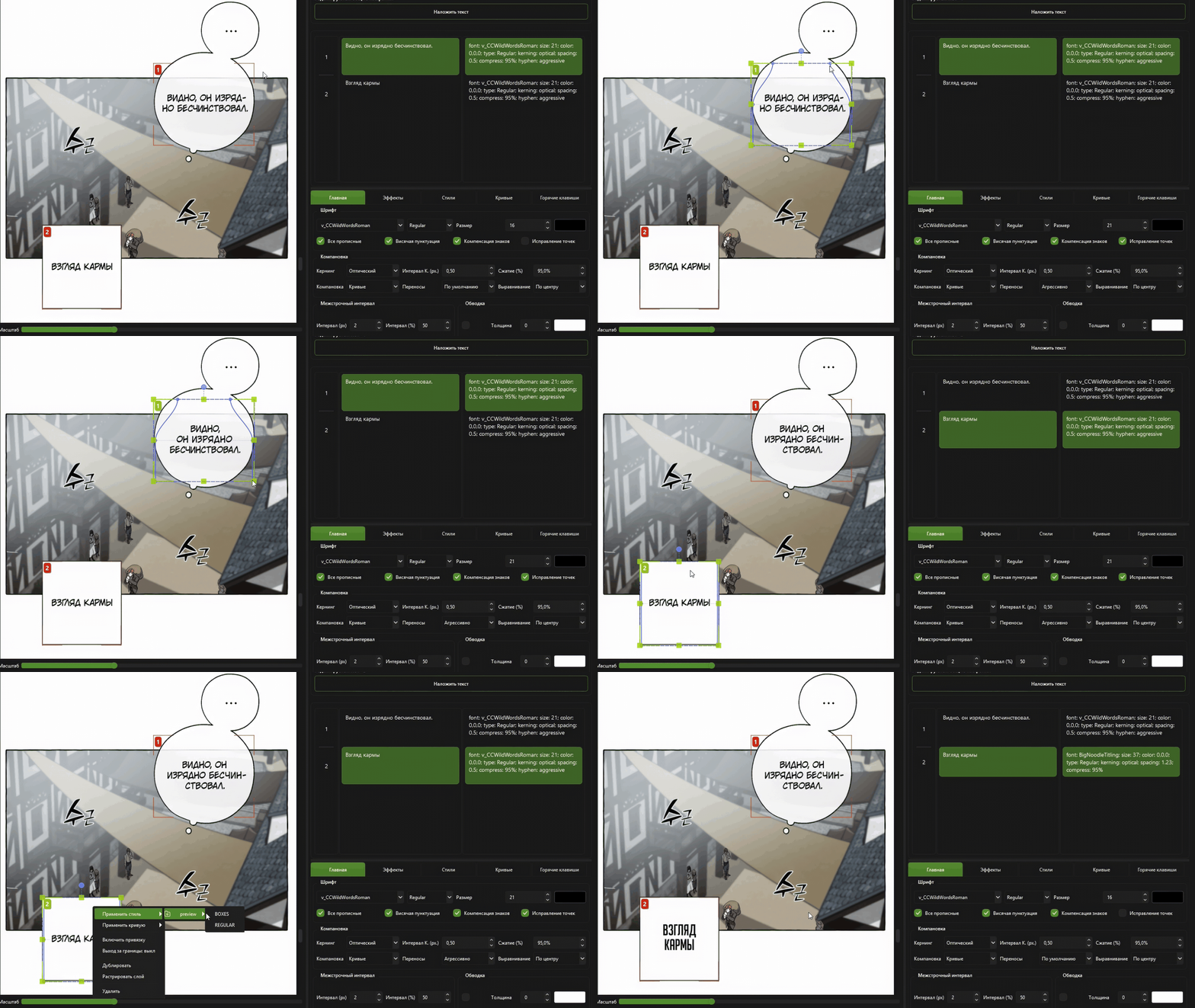
Full optical kerning and automatic text layout.
Минимальные требования: Windows 10 64-bit, процессор Intel Core i5-8400 / AMD Ryzen 5 2600 или новее, 8 ГБ ОЗУ, 20 ГБ свободного места на SSD/HDD.
Рекомендованные требования: Windows 11 64-bit, Intel Core i5-12400 / AMD Ryzen 5 5600, 16 ГБ оперативной памяти, 30 ГБ свободного места на SSD, NVIDIA GeForce RTX 3060 12 ГБ.
ВНИМАНИЕ: Работа всего функционала не гарантируется на интегрированных видеокартах и дискретных видеокартах от AMD.